


.svg)

Design projects and generate toolpaths for your Onefinity CNC in the browser with Easel. Each machine page shows exactly how it connects.
Easel Free Trial →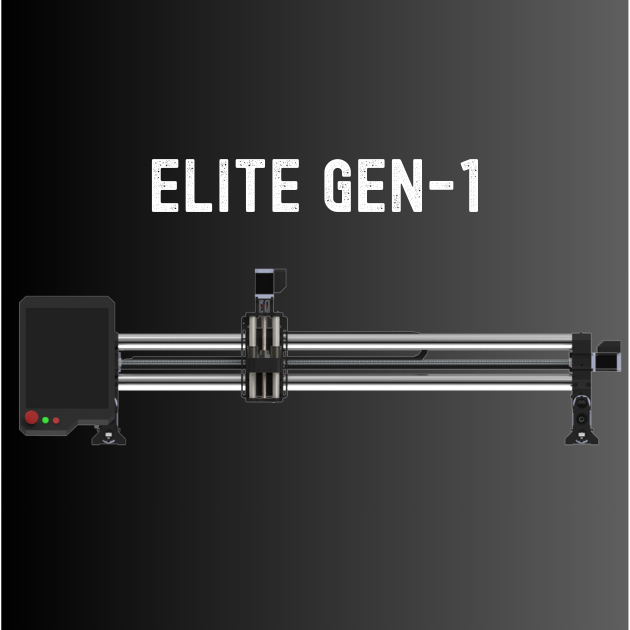
Onefinity machines use Masso, Buildbotics, and Redline controllers. Select a machine to see its specs and how it works with Easel.
Large-format CNC in three cut areas with a Masso Touch controller and closed-loop steppers
Woodworker: 32 x 32 in
Onefinity MASSO Touch

Large-format CNC in three cut areas with a closed-loop Redline RTS-2 controller
Woodworker: 33 x 33 in
Realtime CNC RTS-2 Closed Loop
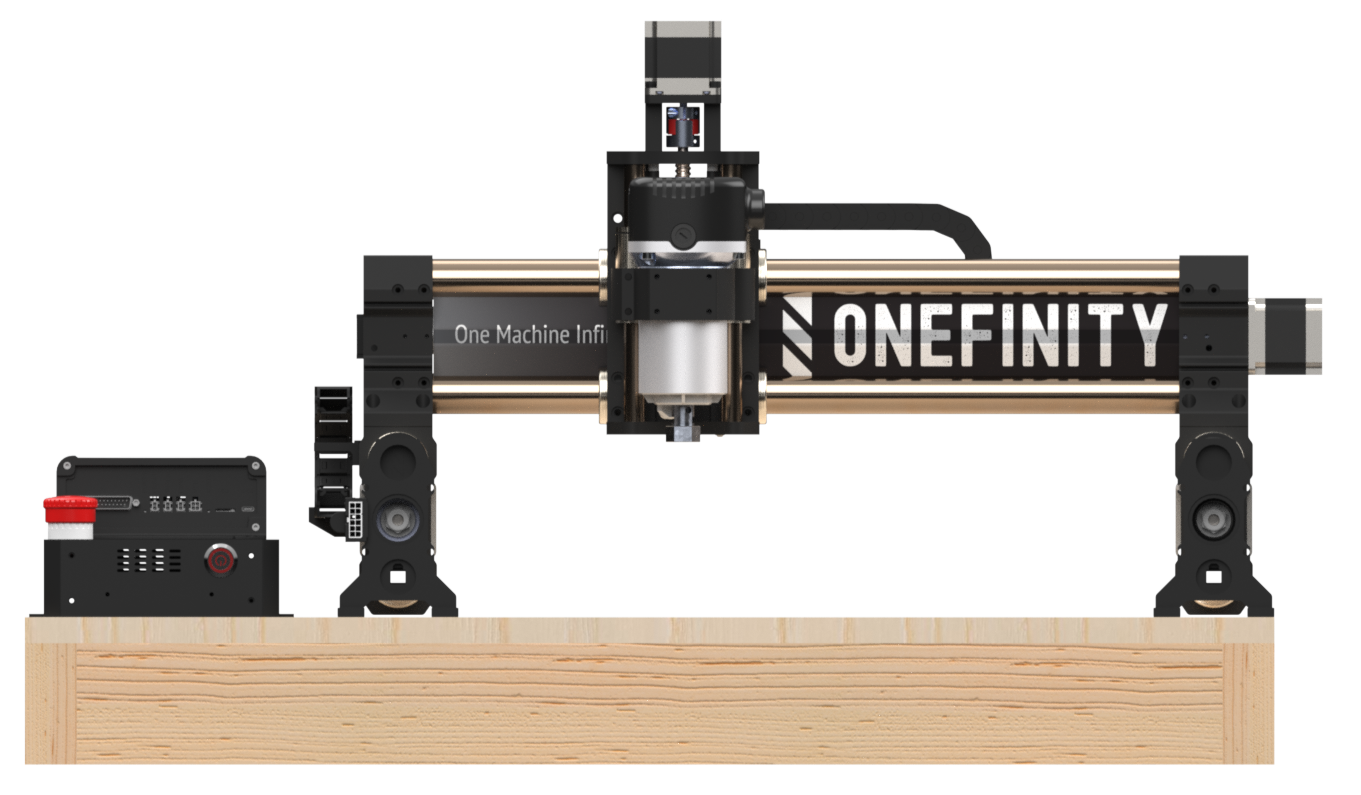
Entry-level CNC router with an open-loop Redline RTS-1 controller, 16.5in x 16.5in working area
16 1/2 x 16 1/2 x 5 1/4 in
RealTime CNC RTS-1 Open Loop
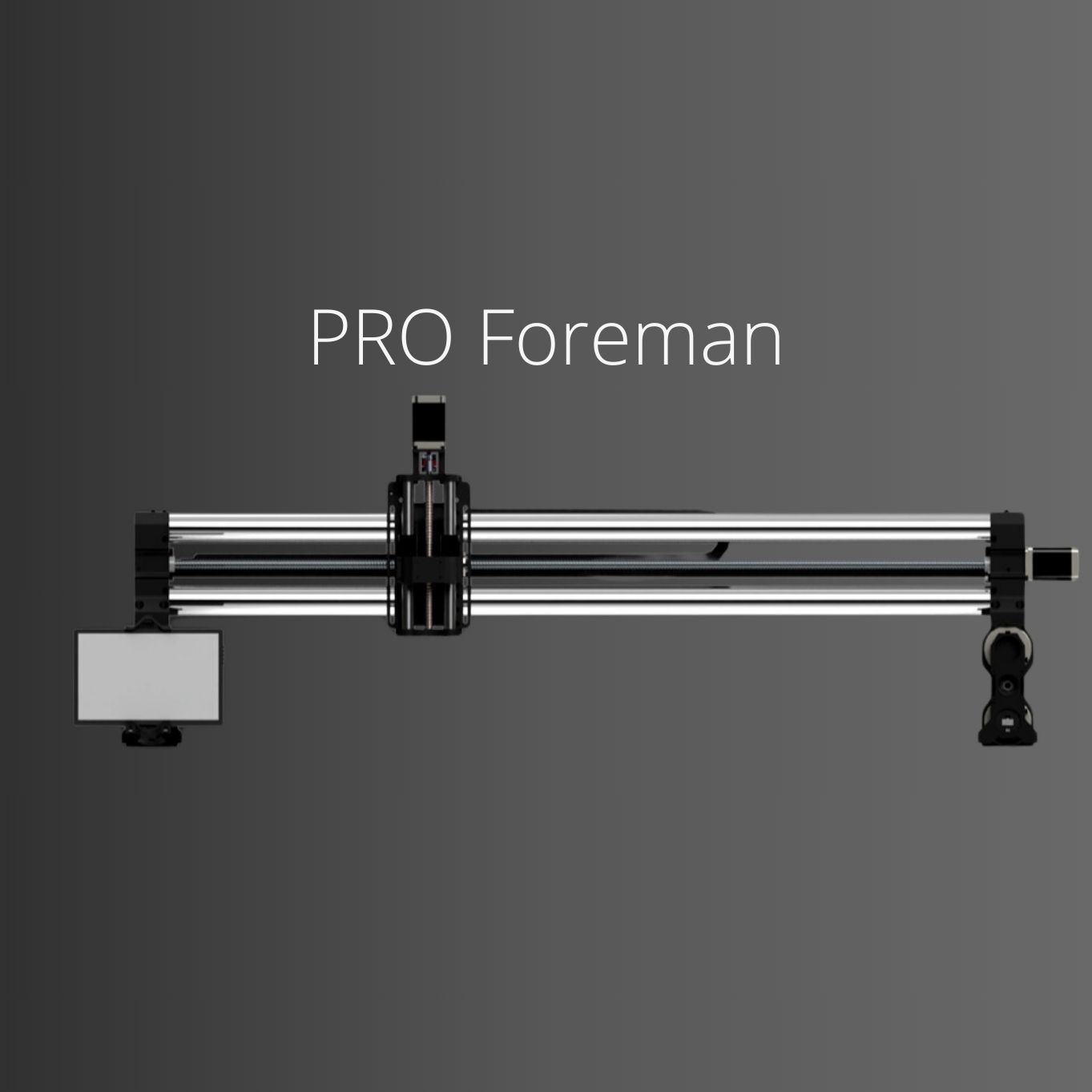
NO LONGER SOLD
Retired: large-format CNC in three cut areas with a Buildbotics controller and open-loop steppers
Woodworker: 32 1/8 x 32 1/8 x
BB Buildbotics controller

NO LONGER SOLD
Retired: entry CNC in two cut areas on 35mm rail tubes with an optional Buildbotics controller
Woodworker: 32 1/8 x 32 1/8 x
BB Buildbotics controller
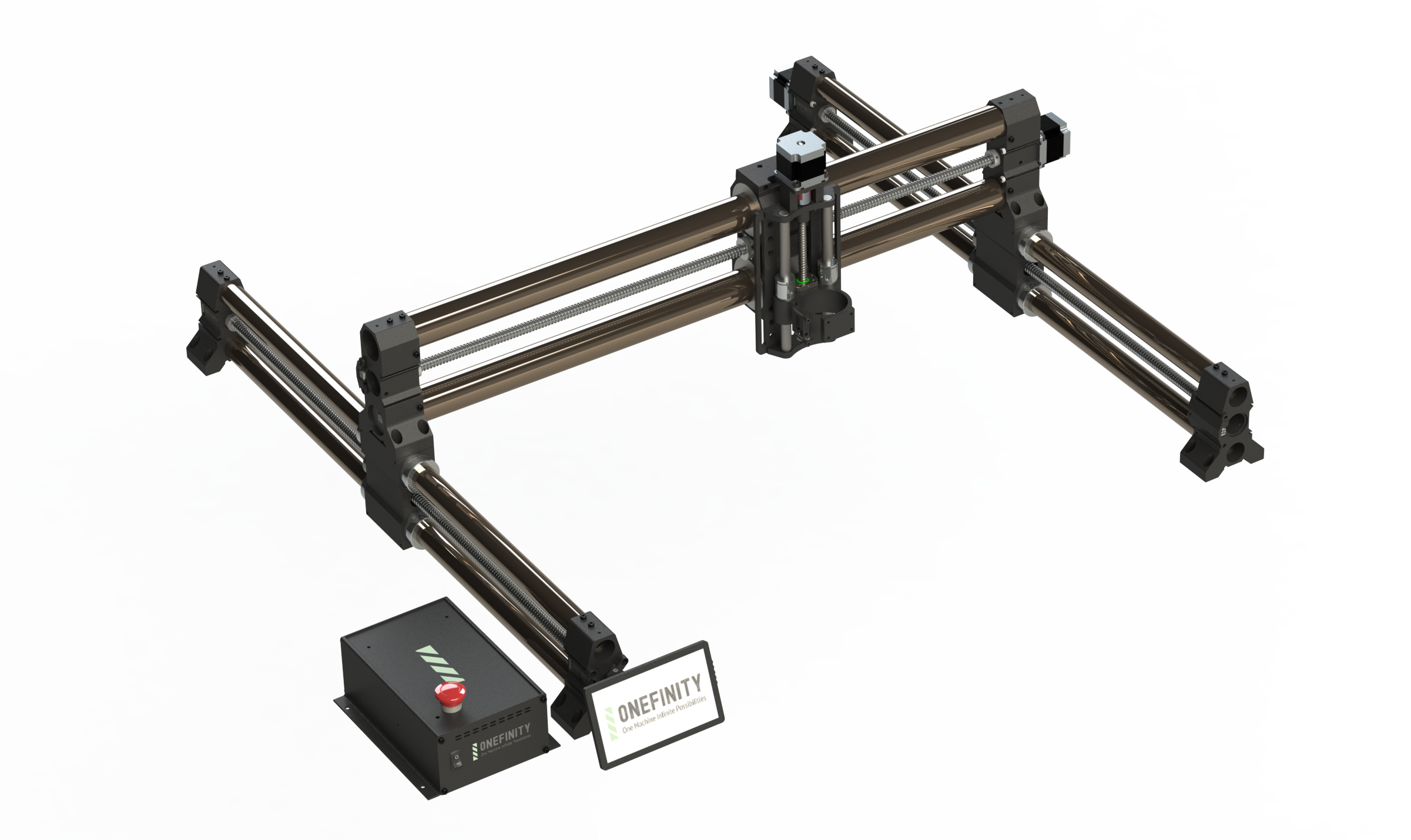
NO LONGER SOLD
Retired: CNC in two cut areas on 50mm rails with an optional Buildbotics controller
Woodworker: 32 1/8 x 32 1/8 x
BB Buildbotics controller

Use templates, draw shapes, add text, or import your own files. Easel's tools make design accessible to everyone.

Set your material, choose your bit, and Easel calculates optimal feeds, speeds, and cutting depths automatically.
Connect your machine and start carving from your browser. Easel runs the job and shows live progress, and each machine page explains exactly how that model connects.
Create your free Easel account and get carving in minutes.
Easel Free Trial →